1/1
eufy KeyPad E10
$49.99
- Quick and Convenient Arm and Disarm: Offers four modes for easy arming and disarming — perfect for quick access when leaving or returning home.
- Quick SOS Alert: Hold the SOS button on top for 2 seconds to trigger an alarm when in an emergency.
- Expansive Wireless Range with HomeBase™: Provides a stable connection with HomeBase™ at open-air distances of up to 656 ft (200 m).
- Seamless Connection with HomeBase™: Compatible with
HomeBase
™ 2 (v2.1.8.8h or above), HomeBase
™ 3 (v3.1.0.3 or above), and HomeBase
™ Pro (v4.1.4.3 or above). Ensure your HomeBase
™ is updated to the latest version for optimal performance.
Hurry! Offer Ends Soon!
??? OFF
Code: ????????
颜色
-

White
$49.99

Have questions about buying this product?Chat with us
Get $40 for every friend you refer. Learn more

- Fast, Free Shipping
- 30-Day Money-Back Guarantee
- Hassle-Free Warranty
- Lifetime Customer Support
$49 . 99


Products Comparison

eufy KeyPad E10
$49.99
Communication Range: 656 ft / 200 m (Open Area)
Arm/Disarm Control: Supported
Keypad Type: Physical Numeric Keypad
Display:/
SOS Alarm: Supported
Power Supply: Built-In Battery + Power Adapter
Installation Method: Fixed Installation

eufy Smart Display E10
$199.99
Communication Range: 656 ft / 200 m (Open Area)
Arm/Disarm Control: Supported
Keypad Type: On-Screen Keypad
Display: 8" HD Screen
SOS Alarm: Supported
Power Supply: Built-In Battery + Power Adapter
Installation Method: Fixed Installation

eufy Key Fob E10
$19.99
Communication Range: 656 ft / 200 m (Open Area)
Arm/Disarm Control: Supported
Keypad Type: /
Display:/
SOS Alarm: Supported
Power Supply: Built-In Battery
Installation Method: Portable
FAQ
Note: Data based on internal lab testing. Actual performance may vary depending on usage conditions.


Customer Reviews
This was so easy to install and configure and far surpasses the ADT+ system that it replaced.
Works very well. Happy a keypad was available a lot easy instead of using phone.
The keypad works well with the homebase pro.Functionality is 5 stars, but aesthetics lacks a little with no color variation in armed disarmed and it would be nice if status was announced at keypad also. Overall i would recommend.
This is a very great product. I find it awesome it’s more easier to turn your alarm off and on with a few numbers than searching on your phone it is sleek and you can’t even see the numbers at night when walking upon it.
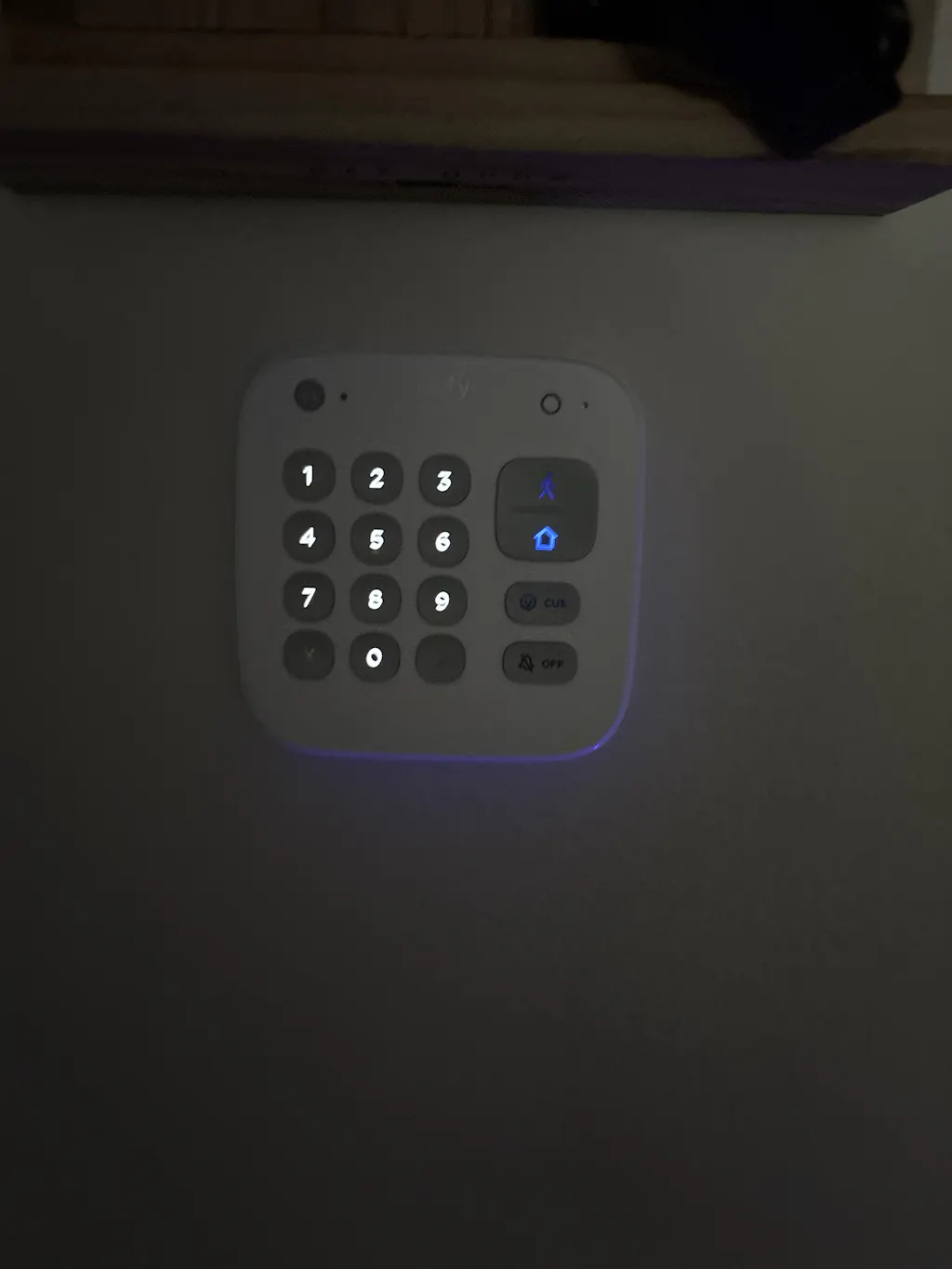
State of the alarm system is too subtle. Need brighter RED light to show when the system is armed.
We can help! Tap to message one of our security experts now.
 Talk Now